Checkout
Meloncart doesn't impose a fixed checkout flow. You have complete control over the number of steps, the layout and the behavior. Start with the included Fresh Theme for a fully working checkout out of the box, or build your own from scratch using theme templates and components.
Single or Multi-Step
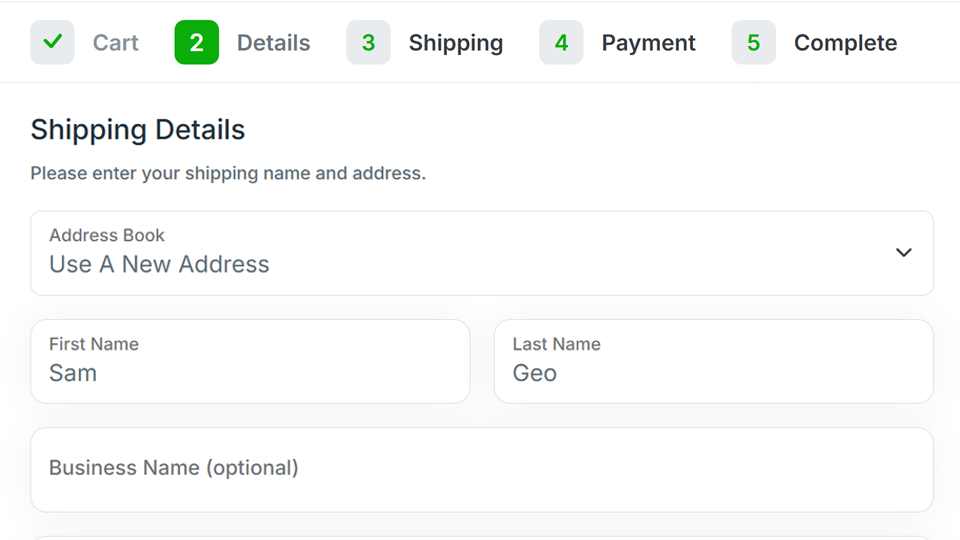
Choose the checkout structure that works best for your store. Use a single-page checkout that keeps everything on one screen, or break it into multiple steps like shipping, payment and review for a more guided experience. Steps can be added, removed or conditionally skipped based on the order context.
You can also combine related steps, like billing and shipping address, into a single form. The checkout components are flexible enough to support any layout you design.
Customer Choices
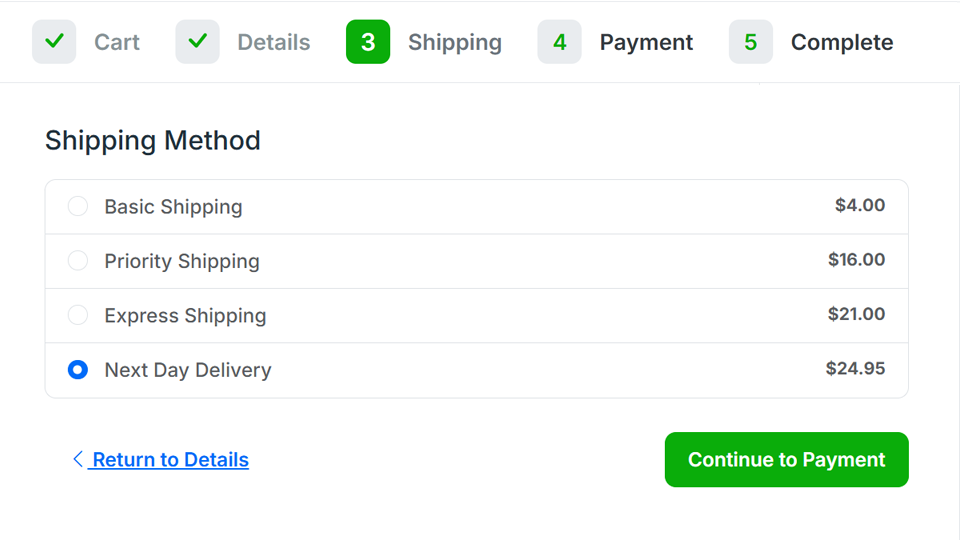
Let customers choose their shipping method, select a payment type, add order notes, or customize product options right up to the final step. The checkout components expose all of these options for you to present however your design requires.
Backend Order Creation
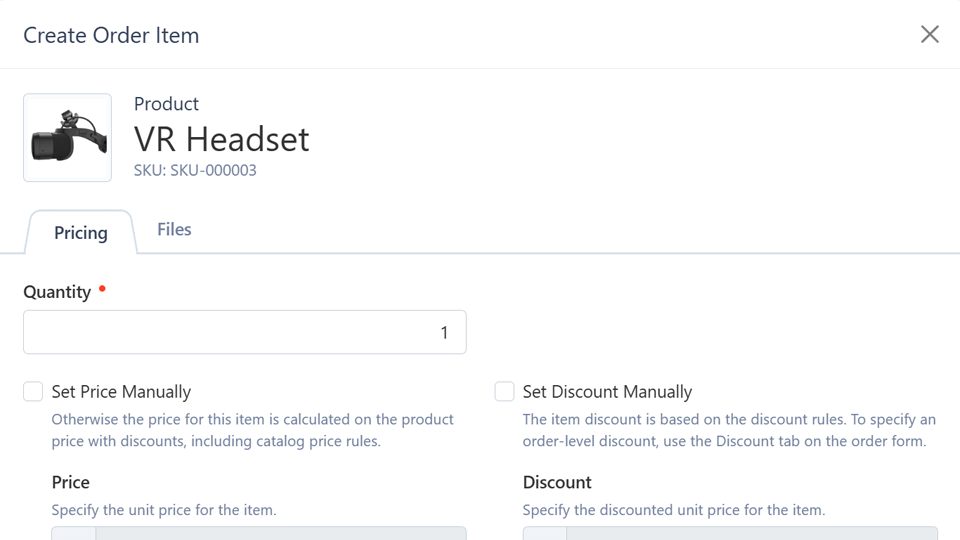
Need to place an order on behalf of a customer? Create orders directly from the admin panel. This is useful for phone orders, custom quotes or handling special arrangements.
The customer can then log in and complete payment, or you can process it manually.
Guest Checkout
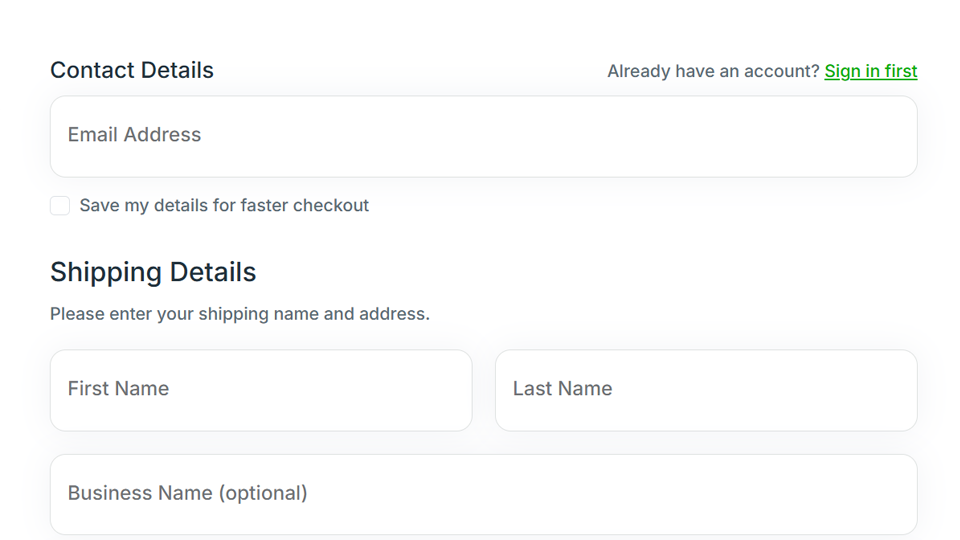
Customers can complete a purchase without creating an account.
After checkout, they can convert their guest session into a full customer account. No friction for first-time buyers, with an easy path to repeat business.
Coupons and Discounts
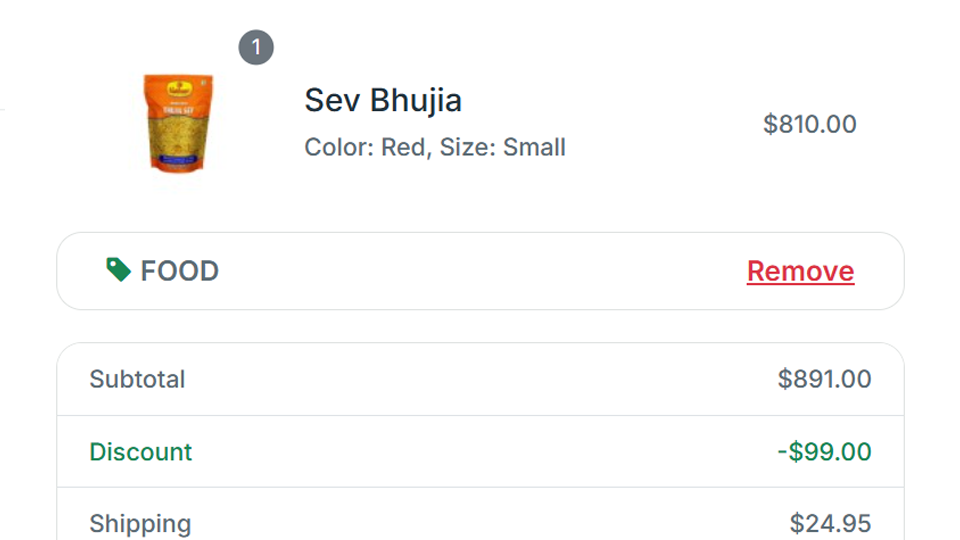
Coupon codes can be applied during checkout with validation handled automatically. Combined with Meloncart's rule-based discount engine, you can offer percentage discounts, fixed amounts, free shipping or buy-M-get-N promotions, all with conditions based on cart contents, customer group or order value.
Wishlist & Save for Later
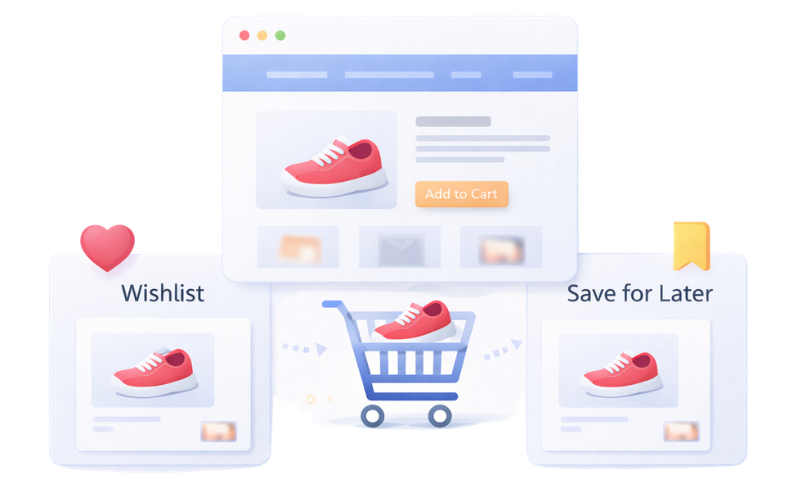
Customers can save products to a wishlist for future purchases, or move items from their cart to a save-for-later list. Both features are built in and ready to use in your theme templates.