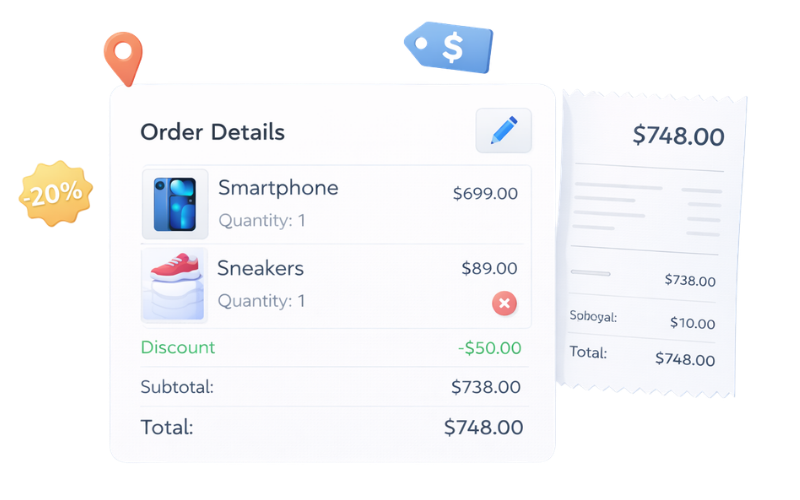
Order Management
Meloncart gives you a complete set of tools to manage the full order lifecycle, from the moment a customer checks out through to fulfillment and beyond.
Orders at a Glance
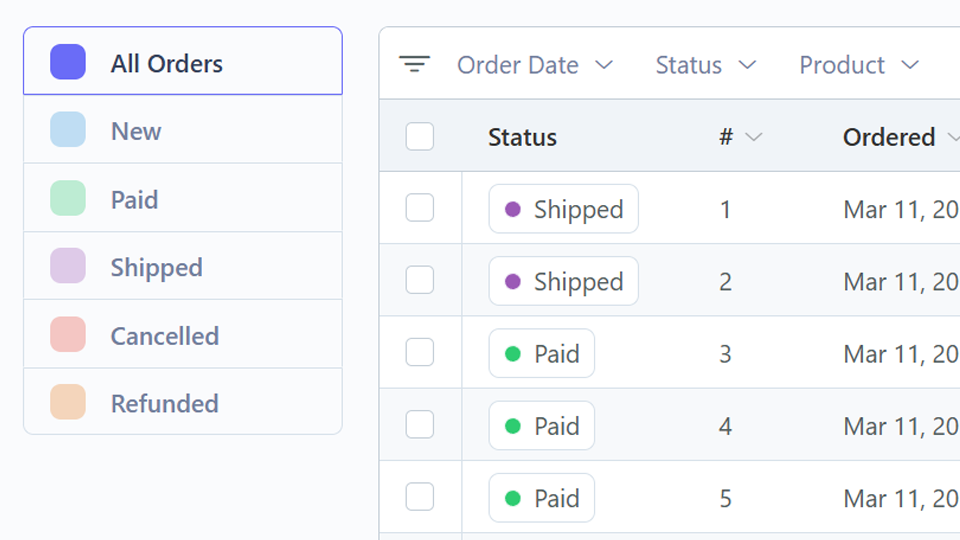
The orders screen provides a clear overview of all orders, color-coded by status.
Quickly identify pending orders that need attention, filter by status or date range, and perform bulk actions like printing packing slips.
Order Details
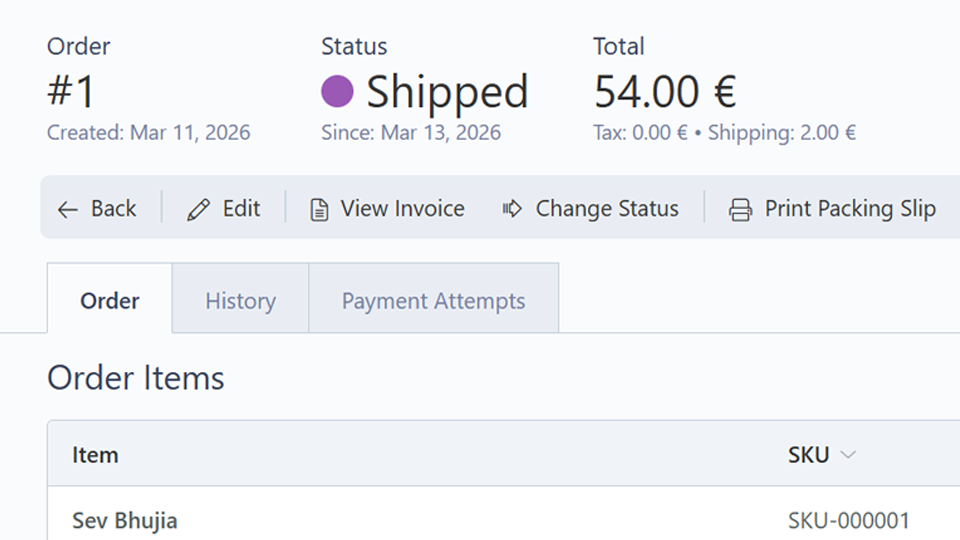
Click into any order to see the full picture, including line items, billing and shipping addresses, tax breakdown, payment status and timeline.
You can update the order status, edit details, apply discounts, issue refunds and view other orders from the same customer.
Order statuses follow a configurable route system, so you define the transitions that make sense for your workflow (e.g. Pending, Processing, Shipped, Completed).
Customer Notifications
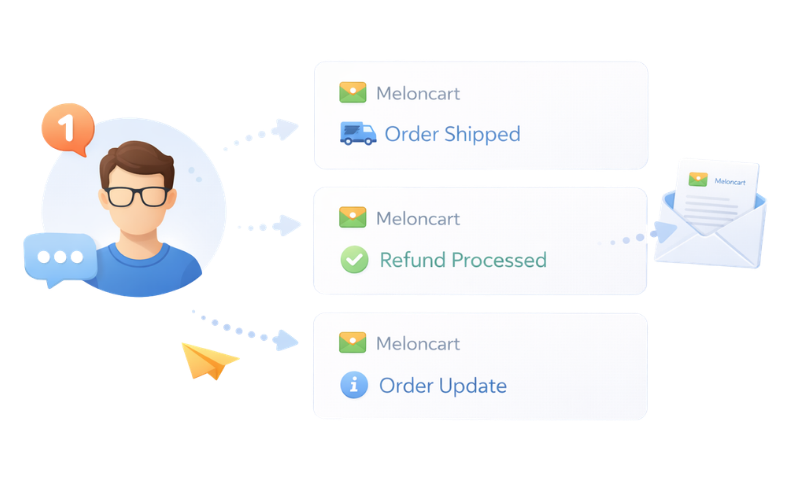
Keep customers informed automatically. Meloncart sends email notifications for order events like status changes, shipping confirmations and refund processing, all using customizable email templates.
You can also send one-off messages to a customer directly from the order screen, with every message logged against that order for future reference.
Refunds
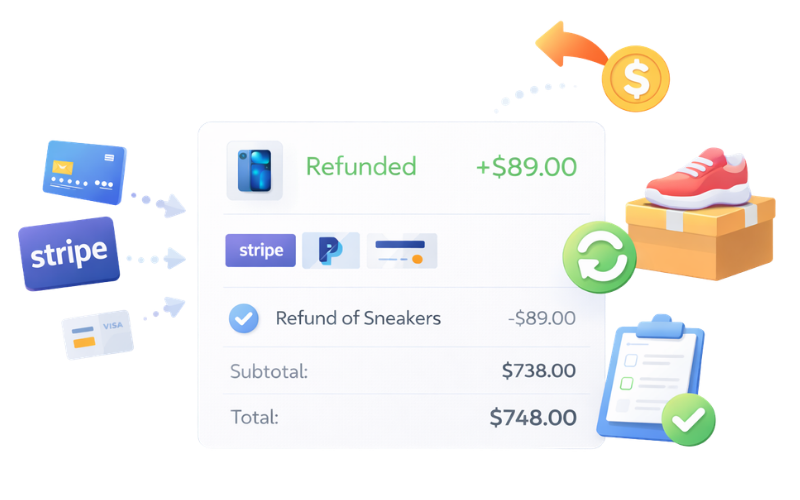
Process full or partial refunds directly through your payment gateway. Stripe, PayPal and others handle the money movement automatically. Refund status is tracked in the payment log, and you control whether stock is restored for returned items.
Digital Downloads
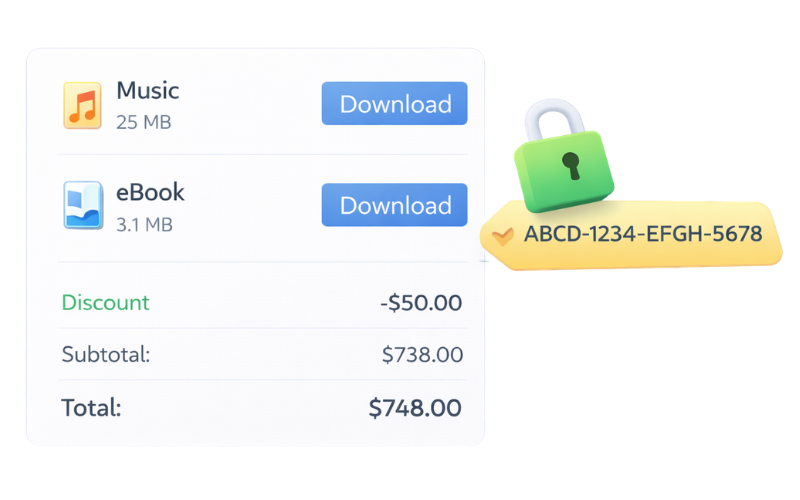
When an order includes downloadable products, Meloncart generates secure download keys automatically after payment is confirmed. Each key is unique and can be configured with expiration dates and download count limits to prevent unauthorized redistribution.
Order Editing
Need to adjust an order after it's been placed? Add or remove line items, change addresses, override prices and apply discounts, all from the order detail screen. Invoices update automatically to reflect any changes.